Capture
GPS
Take photos and videos with location, address, date, and time details attached.
97 Pocket Suite combines GPS camera capture, Journey Circle route tracking, document scanning, contact extraction, watermark editing, and report exports in a single mobile workflow.
Built for everyday users, freelancers, travelers, families, and creators who want fewer apps and faster workflows.
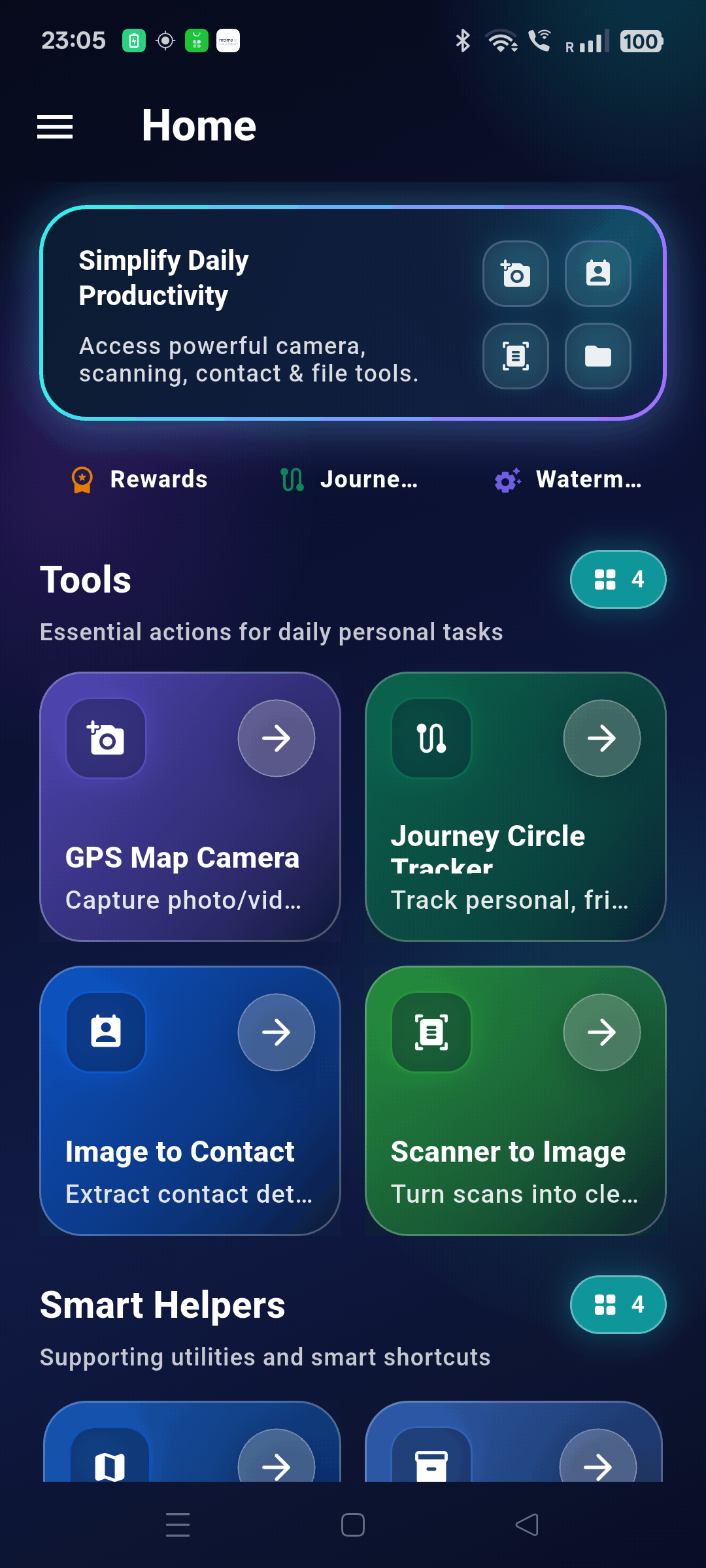
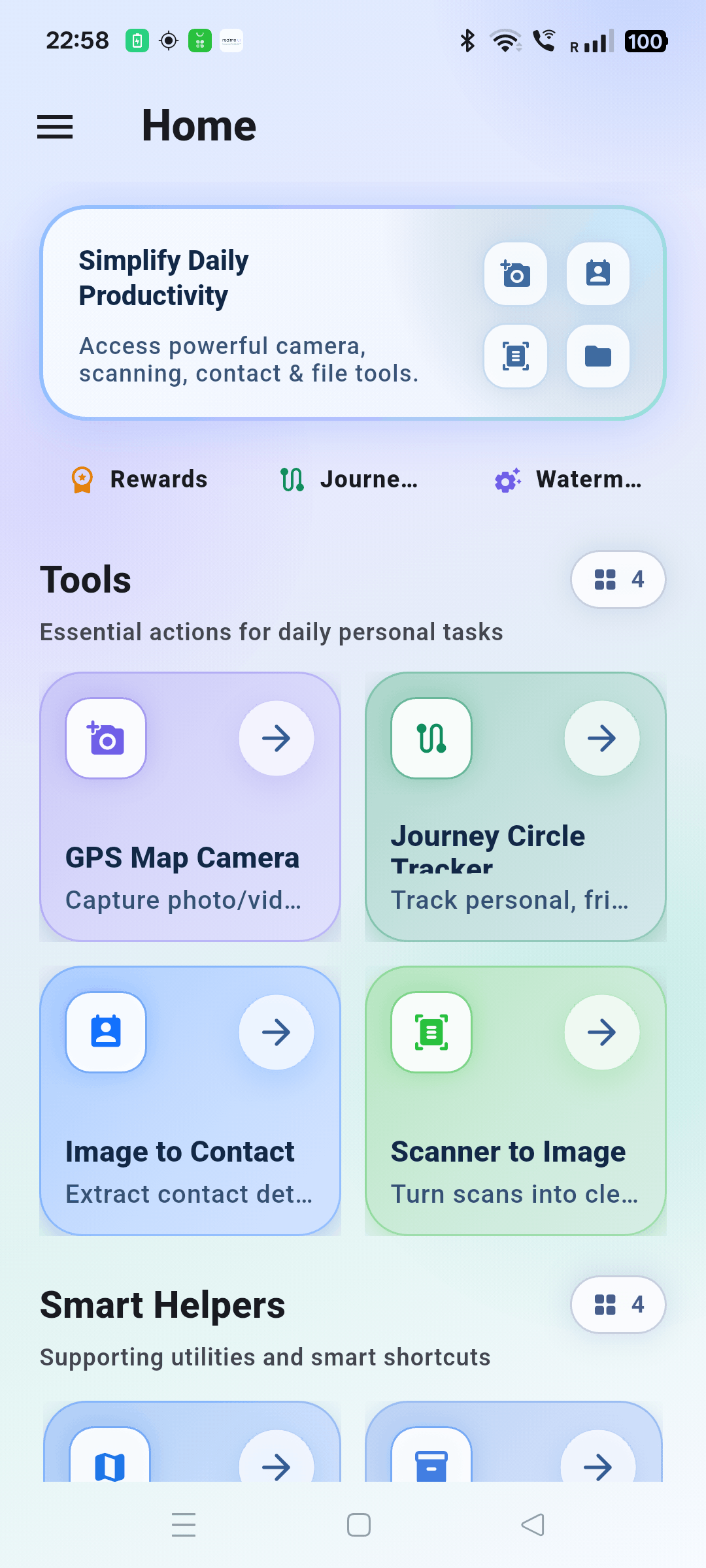
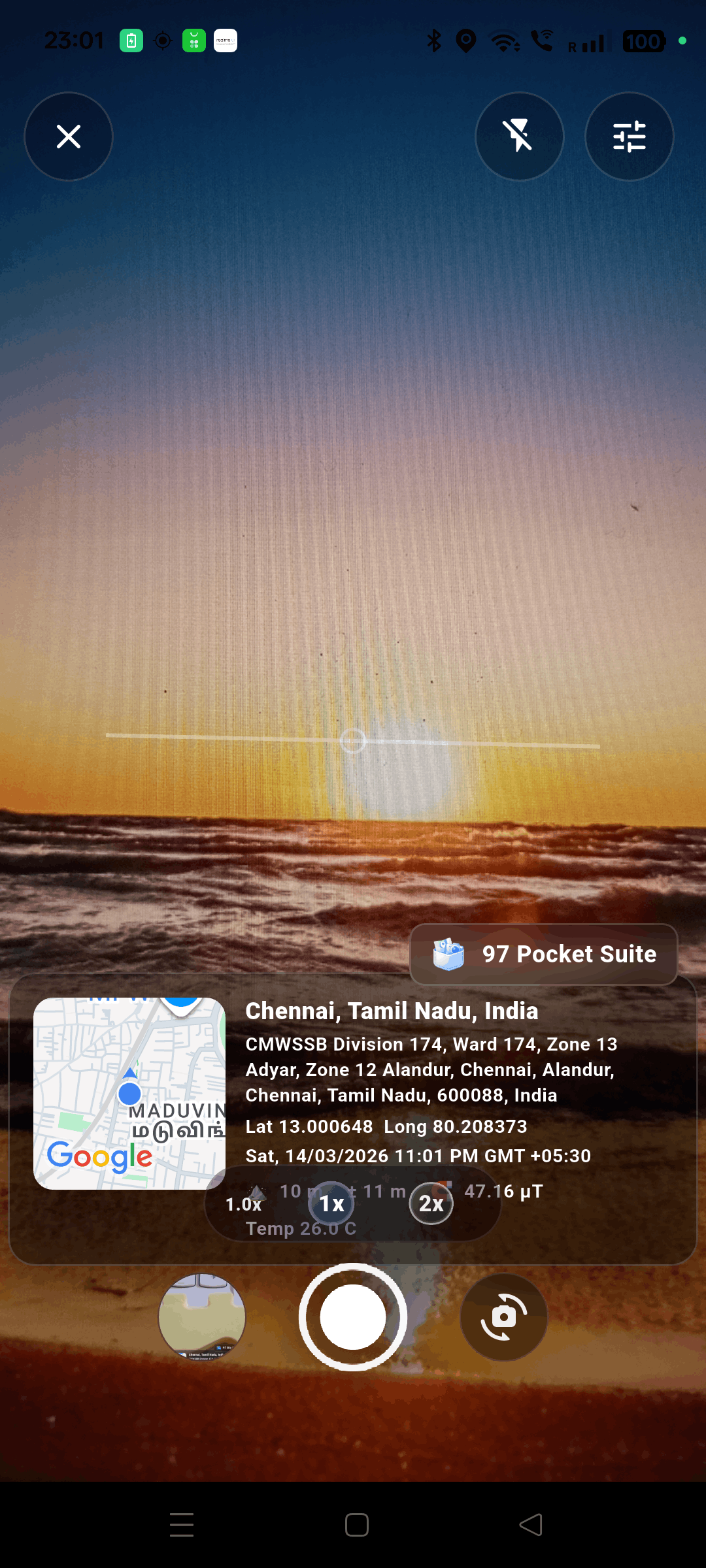
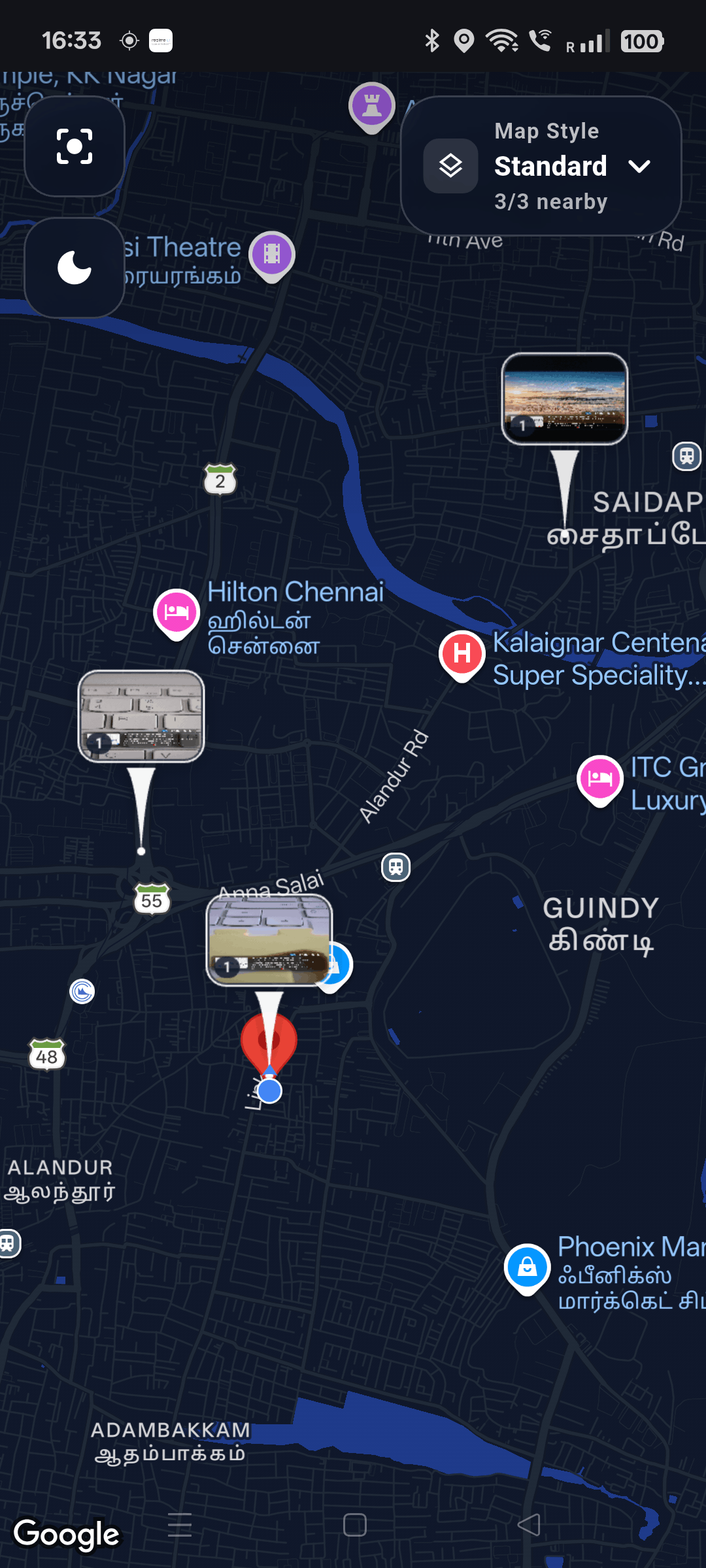
Take photos and videos with location, address, date, and time details attached.
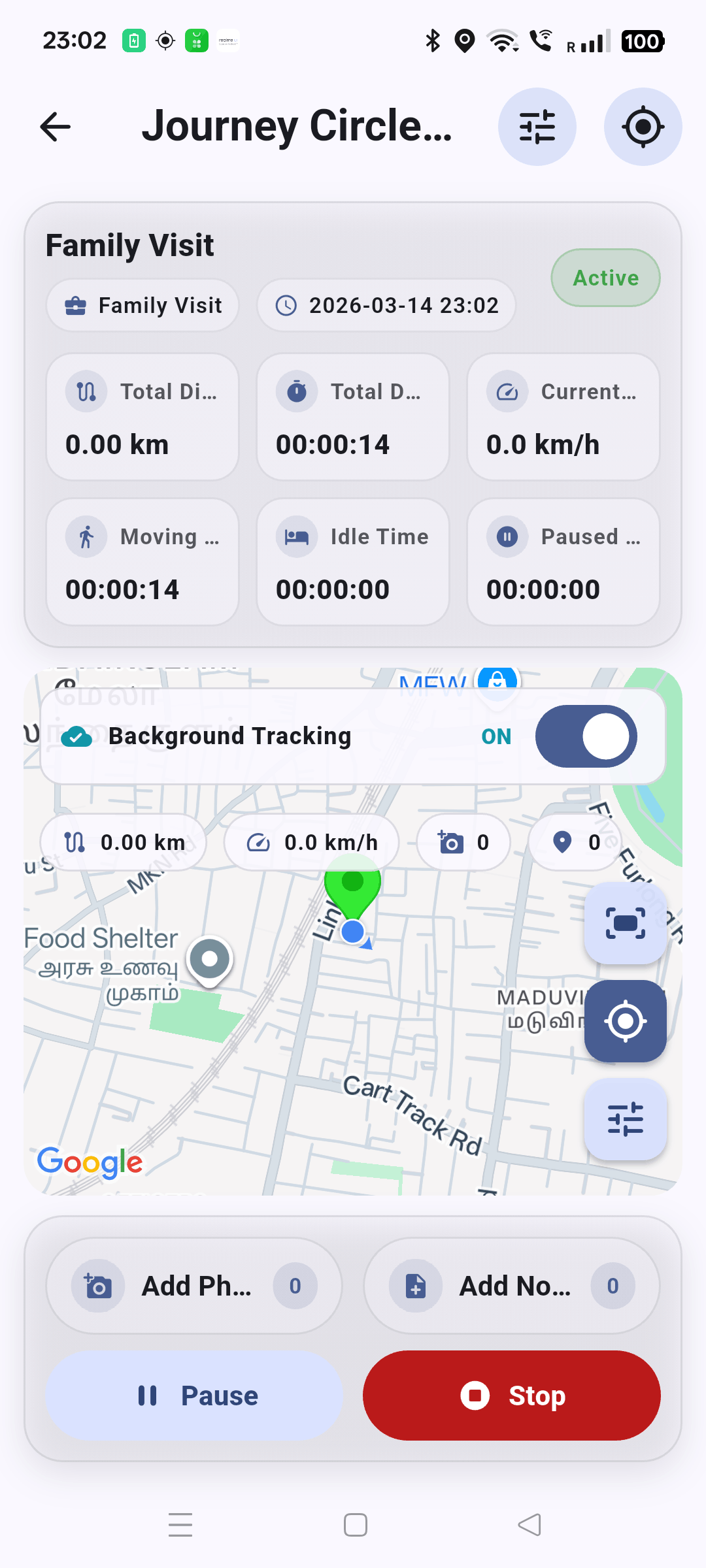
Track routes, KM distance, stops, notes, and trip history with Journey Circle.
Generate trip PDFs and secure export packages with media and structured data.
97 Pocket Suite is built for daily capture-and-organize tasks across travel, freelance work, home routines, and personal productivity. The focus is one workflow instead of many separate apps.
Start with quick capture and scanning, then move into editing, watermarking, trip reporting, and exports without leaving the app.
These tools work together: capture media, track movement, scan records, extract contacts, edit output, then export and share with structure.
Capture photos and videos with coordinates, address, date, and time added automatically.
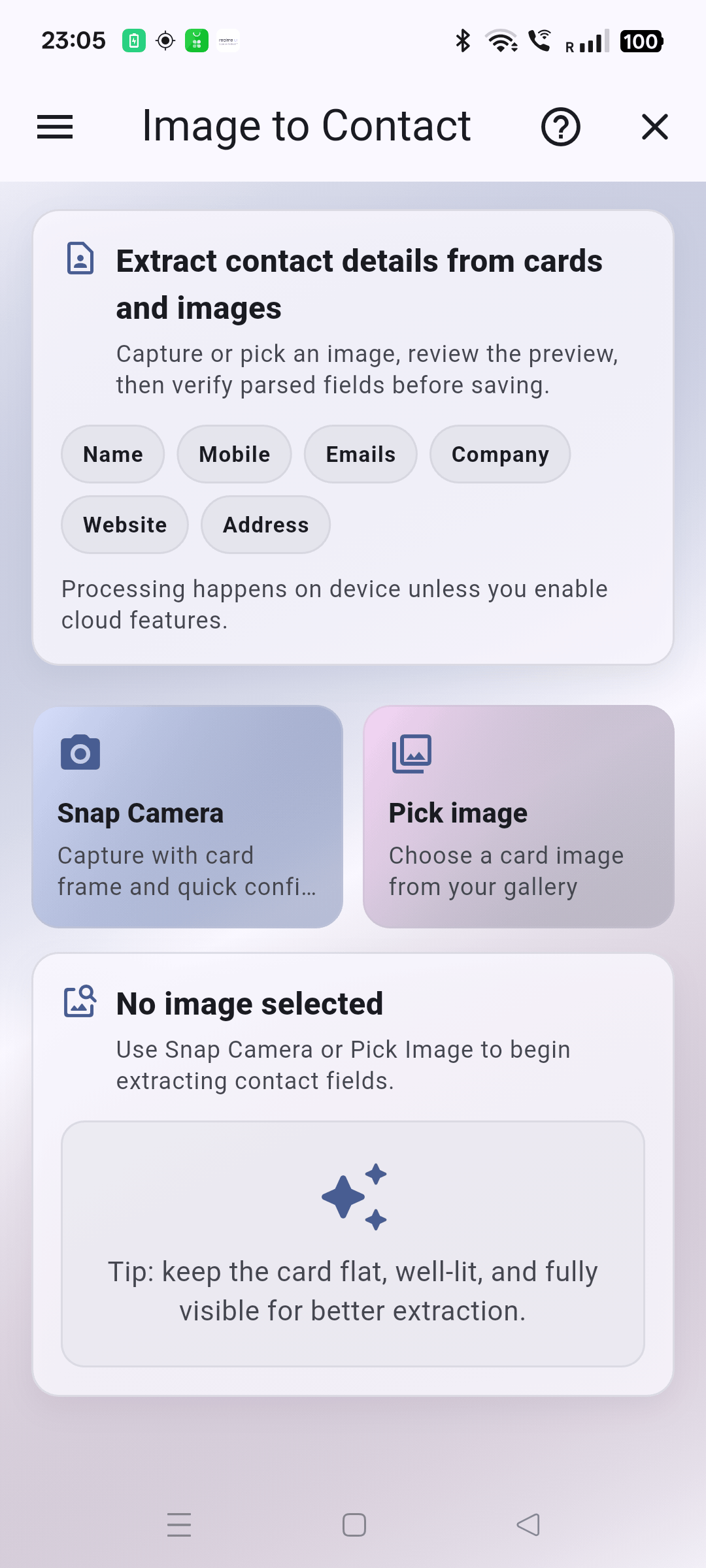
Extract name, phone, email, company, and website from business cards using camera or gallery images.
Track route, distance, stops, saved points, notes, photos, and trip summaries with history access.
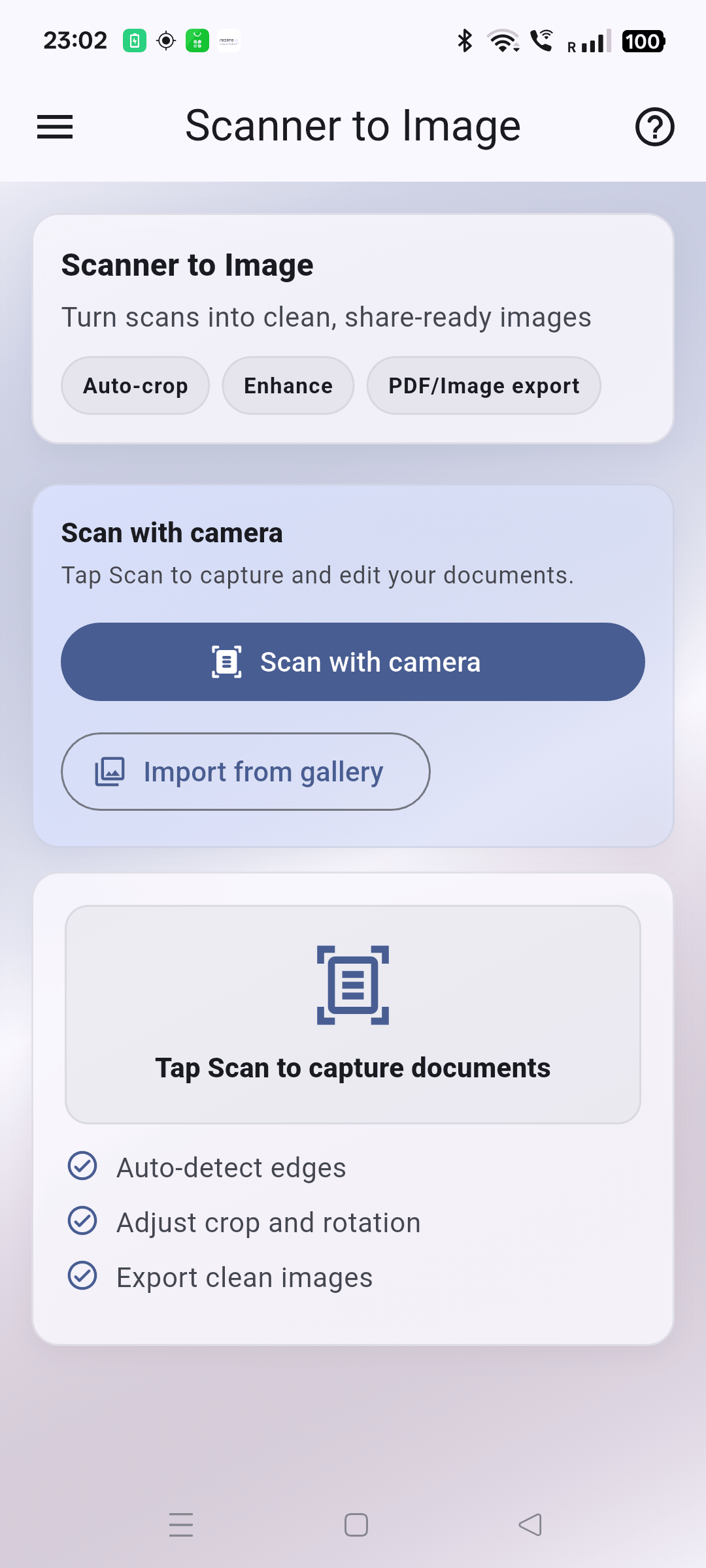
Use edge detection, crop, rotate, and enhance tools for clear digital scans you can share instantly.
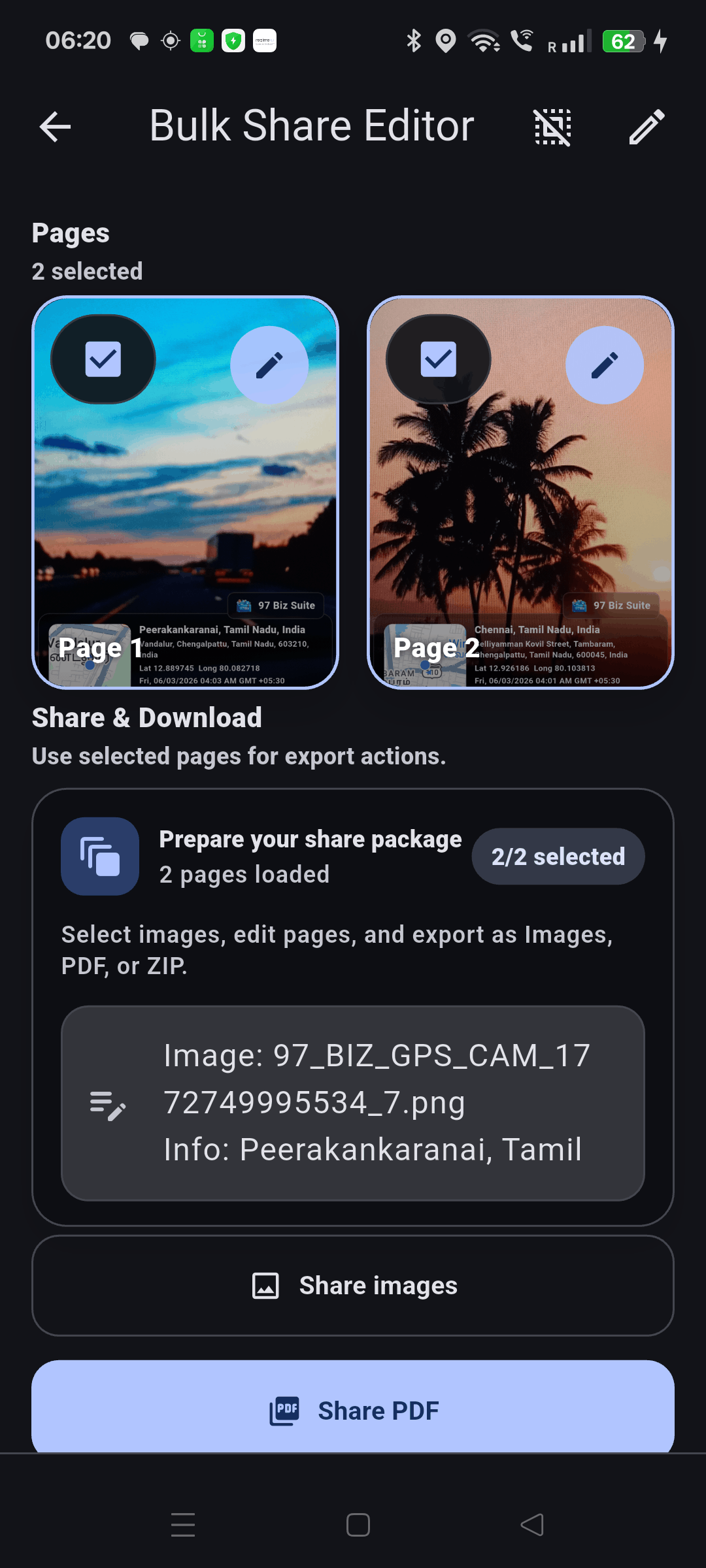
Select multiple images, add notes, apply watermark, edit pages, and share clean combined outputs.
Review captured GPS photos by location and time for reporting and documentation.
Draw, annotate, add text and shapes, crop images, and save polished outputs for sharing.
Browse images and documents, organize folders, share files, and clean up unused content.
Bring shared images into the app quickly for scanning or contact extraction from other apps.
Apply text, signature, or logo watermark with position, size, and opacity controls.
Create Journey Circle PDF reports and secure export packages with media and JSON data.
Use reward points, rewarded ads, and premium unlock paths via in-app purchase and subscriptions.
Capture GPS media or import a card/document from camera and gallery.
Scan and enhance pages, extract contacts, annotate, and apply watermark settings.
Track journey history, review timeline maps, and keep files sorted for quick retrieval.
Generate PDFs or secure packages, then share for records, follow-up, or reporting.
97 Pocket Suite is ideal for people who need practical utility tools every day and want a single app for media capture, route tracking, scan workflows, and clean export results.
Install from Google Play and use one unified app for GPS capture, scanning, tracking, editing, and export-ready reporting.